Posting on Instagram without your colleagues, family, or complete strangers being able to trace back to you requires more than just a whimsical username. Even a private account allows certain information to be visible to everyone: username, profile picture, biography, and follower counts. Truly protecting your privacy on Instagram involves taking action on multiple levels, starting from the account creation.
Visible Metadata on a Private Instagram Account
Switching a profile to private prevents non-followers from seeing your posts. But a private account is not an invisible account. Instagram continues to publicly display your username, your name, your profile picture, your bio, your links, and the number of followers or subscriptions.
These elements are often enough to identify someone. A real first name in the “name” field, a recognizable photo, or a link to another social network nullifies the effect of private mode. The only way to make an account completely untraceable would be to temporarily disable it or delete it, as there is no “totally invisible mode” for an active account.
Before adjusting privacy settings, you must build the account itself without leaving exploitable traces. This is the part that most guides gloss over, even though it is the most crucial for anyone wishing to create an anonymous Instagram account sustainably.
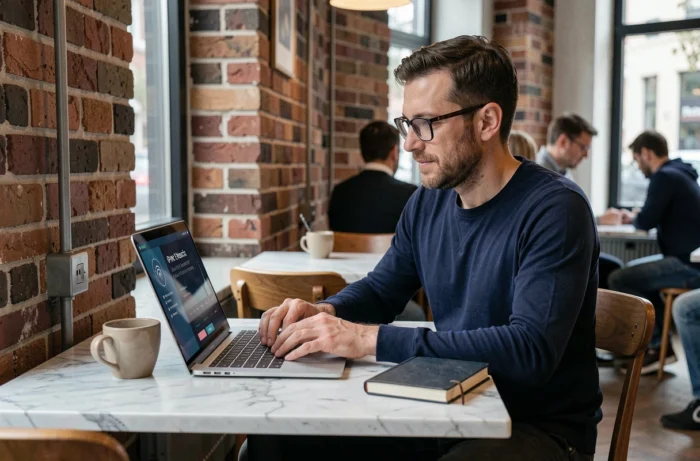
Creating an Instagram Account Without Personal Traces
Anonymity starts at registration. Each field in the form can become a thread leading to your real identity if filled out reflexively.
Email Address and Phone Number
Instagram offers registration with a phone number or an email address. Never link your personal phone number to an account you wish to keep anonymous. The platform uses users’ address books to suggest contacts. If your number is in a close person’s directory, Instagram may suggest your account to them.
Instead, create a dedicated email address, unrelated to your real name. ProtonMail or Tutanota allow you to create an account without providing a phone number. Use this address exclusively for Instagram.
Username and “Name” Field
Choose a username that contains neither your first name, nor your last name, nor your birth year. Also, avoid recycling a username you use on other platforms. A simple Google search on a username shared between Twitter, Reddit, and Instagram is enough to cross-reference identities.
Leave the “name” field empty or fill it with a generic term. This field is indexed by Instagram’s internal search engine, and it’s often how someone finds you.
Profile Picture and Biography
No selfies, no pictures of your pet, no shots taken in a recognizable location. An abstract image or a solid color is sufficient. In the bio, do not mention your city, your job, or provide a link to a personal website.
Instagram Privacy Settings to Lock Down
Once the account is created without personal data, internal settings take over. Here are the settings to modify immediately:
- Switch the account to private: in Settings > Account Privacy, enable “Private Account”. Only your approved followers will see your posts, stories, and reels.
- Disable activity status: this setting prevents others from seeing when you were last online. It can be found in Settings > Privacy > Activity Status.
- Restrict mentions and tags: limit the people allowed to mention or tag you in their posts. A tag in a group photo can reveal your real social network.
- Block sharing of your stories: disable the option that allows your followers to share your stories via private message.
These settings significantly reduce your exposure surface. But they do not prevent Instagram from collecting your browsing data in the background.
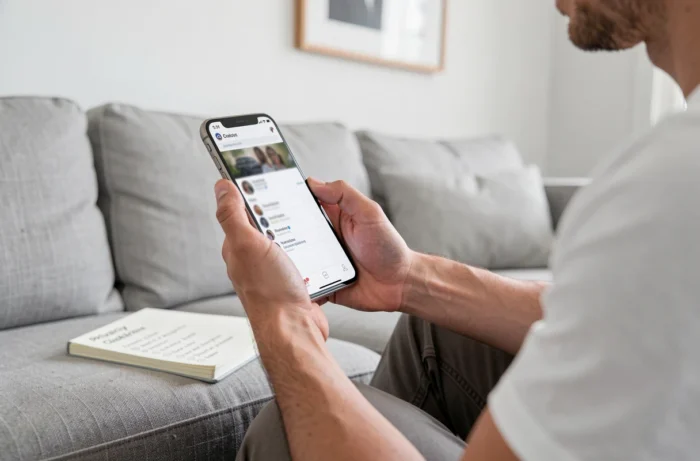
VPN and Digital Behaviors: What Protects Beyond Settings
Instagram’s privacy settings control what other users see. They do not control what Instagram knows about you. To limit tracking on the platform side, other habits are necessary.
Using a VPN every time you connect to Instagram masks your real IP address. Without a VPN, Instagram can link your anonymous account to your main account if both connect from the same IP address or Wi-Fi network.
Another often-overlooked reflex: never link your anonymous account to Facebook or other social networks. This linking activates cross-contact suggestions and exposes your profile to people who know you under your real identity.
Finally, avoid posting photos containing EXIF metadata (GPS coordinates, camera model). Instagram removes them upon upload, but other platforms you might share to do not always do so.
Age Verification and Anonymity: A Tightening Framework
Creating an anonymous account is becoming more challenging from a regulatory standpoint. In France, a law approved in July 2026 prohibits the creation of accounts on social networks for those under 15 starting September 1, 2026. Existing accounts must be closed by January 2027. All users in France will have to prove their age, via an ID scan or an estimate through facial recognition.
The State of New York has adopted a similar approach with the SAFE for Kids Act, the final rules of which were published in July 2026. Vietnam also imposes identity verification for social media users.
These legislations do not directly target adult anonymity, but they generalize verification mechanisms that make creating accounts without personal data increasingly difficult. An anonymous account created today might require identity verification tomorrow, depending on your country of residence.
Protecting privacy on Instagram relies on a combination of technical choices (dedicated email address, VPN, unique username) and daily discipline (no location tags, no linking between accounts). Privacy settings are a safety net, not a guarantee. It’s the behavior around the account that determines whether it remains truly anonymous.